
Media kit
Shift Worker is the iPhone calendar built for shift work: see every shift at a glance and fill in a roster in seconds.
About Shift Worker
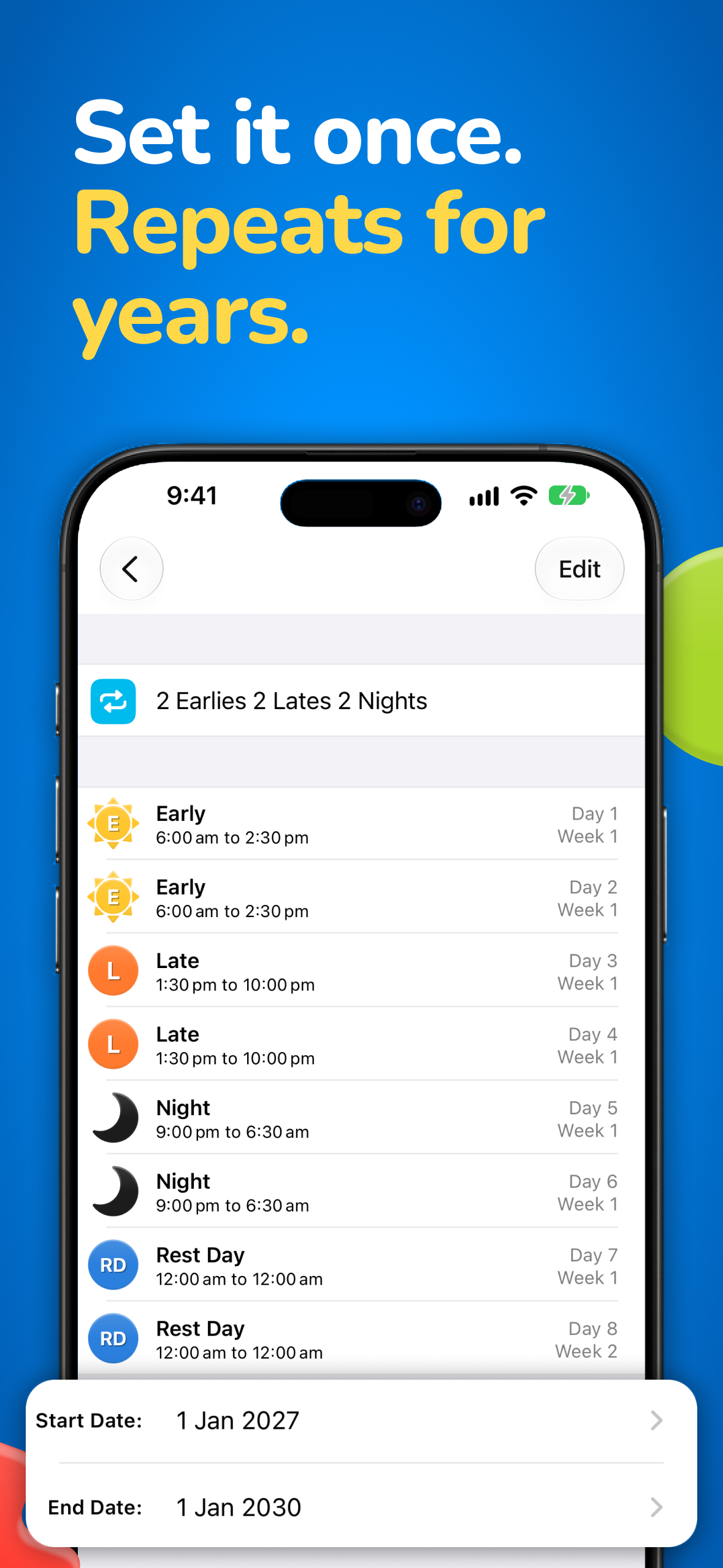
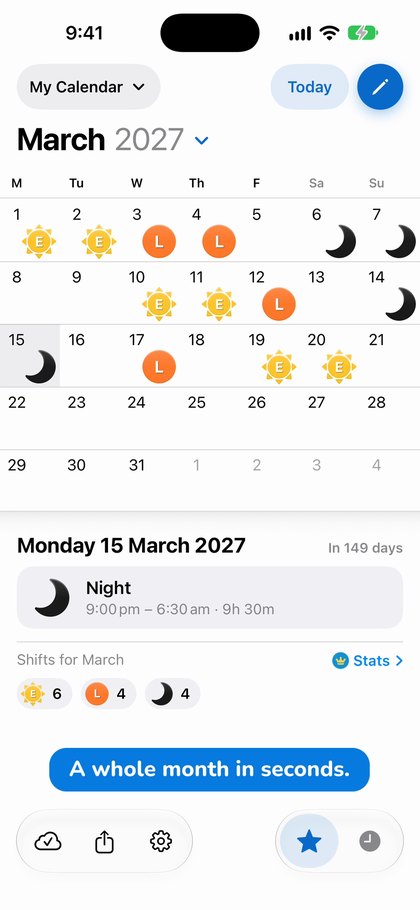
Shift Worker is a calendar for people whose work does not fit a Monday-to-Friday week. It began in 2009 as an app for the developer’s wife, a nurse who needed to see her rotating roster at a glance, and has since been used by thousands of shift workers around the world. You enter a roster by picking a shift and tapping the days it falls on, or by adding a rotation such as 2 Earlies, 2 Lates, 2 Nights then rest, which fills the calendar up to three years ahead in a single tap. Shifts combine ten shapes, ten colours and your own codes, and can be shown as icons or as a timeline in which overnight shifts run across midnight. Shift Worker 2.0 is a complete redesign with a new calendar, new shift icons, Dark Mode, Home Screen and Lock Screen widgets, and, with the optional Shift Worker Premium subscription, reminders, hours and shift-mix stats, and Calendar Sync. 2.0 is a free update for everyone who already has the app.
Fast facts
| App | Shift Worker |
|---|---|
| Tagline | Roster, rota & work planner |
| Platform | iPhone, iOS 16 or later |
| Category | Productivity |
| Publisher | Production Shed Pty Ltd, Australia |
| Made by | Mark Schumann (solo developer) |
| First released | 2009 |
| Current version | 2.0 (coming soon) |
| Price | Paid app. Shift Worker Premium is an optional monthly or yearly subscription. See the App Store for current prices. |
| Premium adds | Reminders, Day Ahead and Week Ahead summaries, Stats, Calendar Sync, Week Ahead widget |
| Ads | None |
| Privacy policy | shiftworkerapp.com/privacy |
| App Store | apps.apple.com/app/id352000376 |
| Website | shiftworkerapp.com |
What is new in 2.0
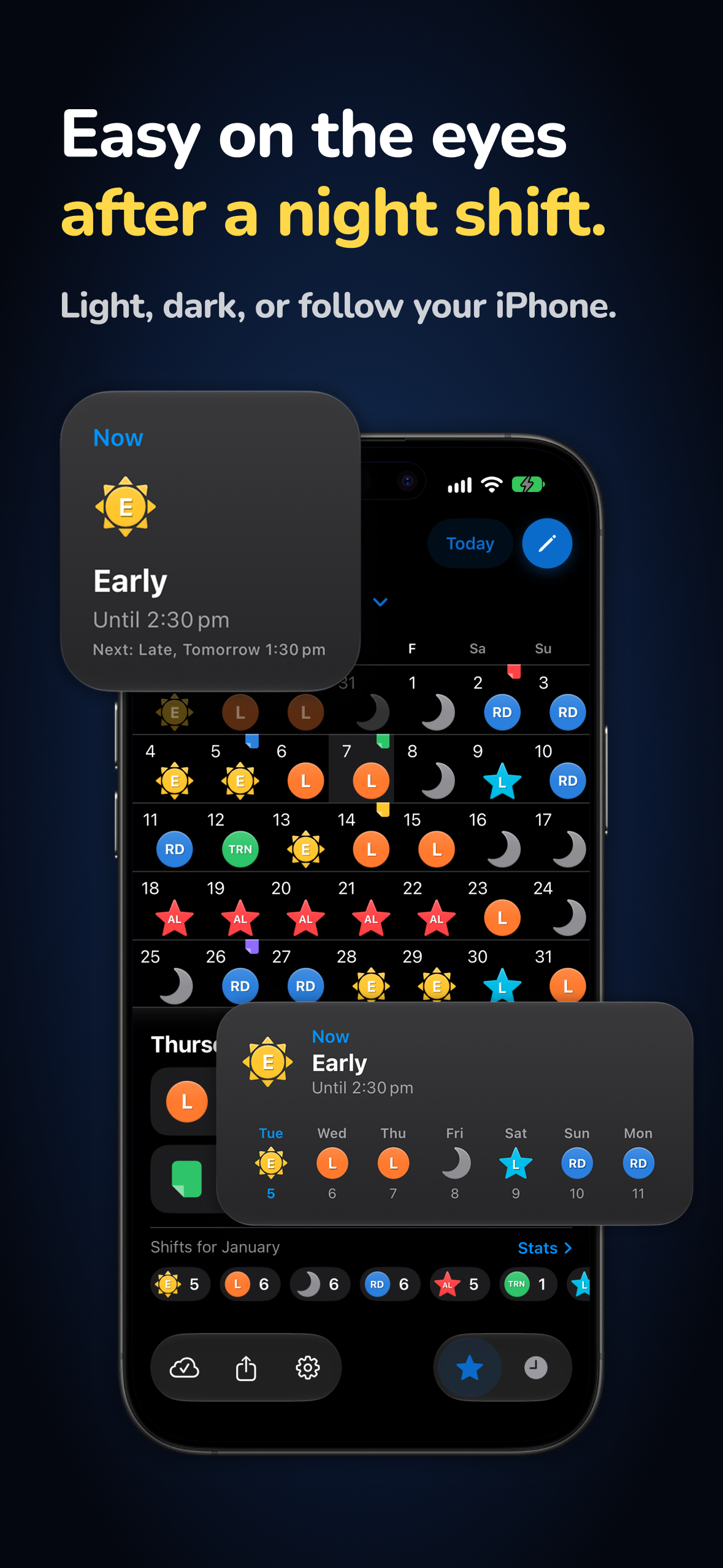
- A completely redesigned calendar, with Dark Mode
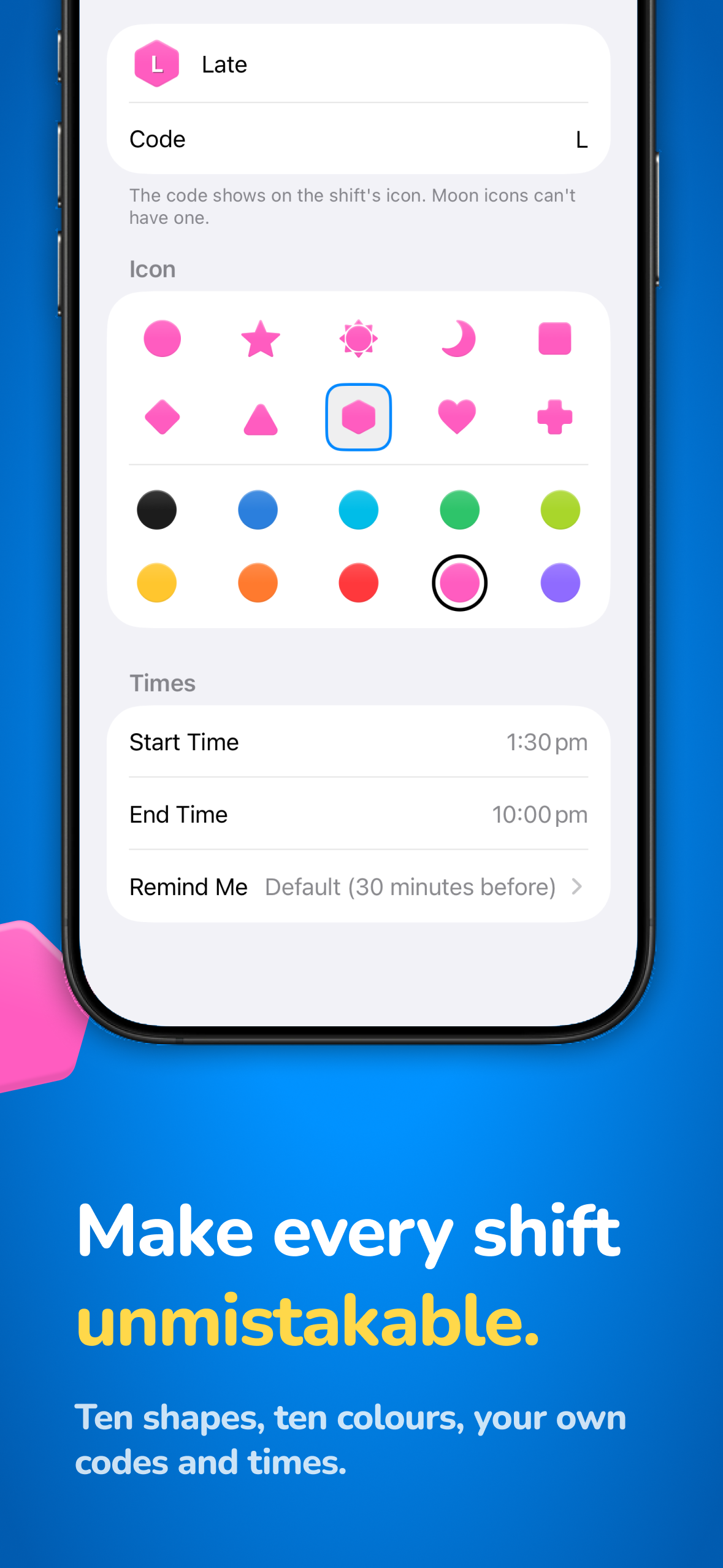
- New shift icons: ten shapes, ten colours, your own codes and times
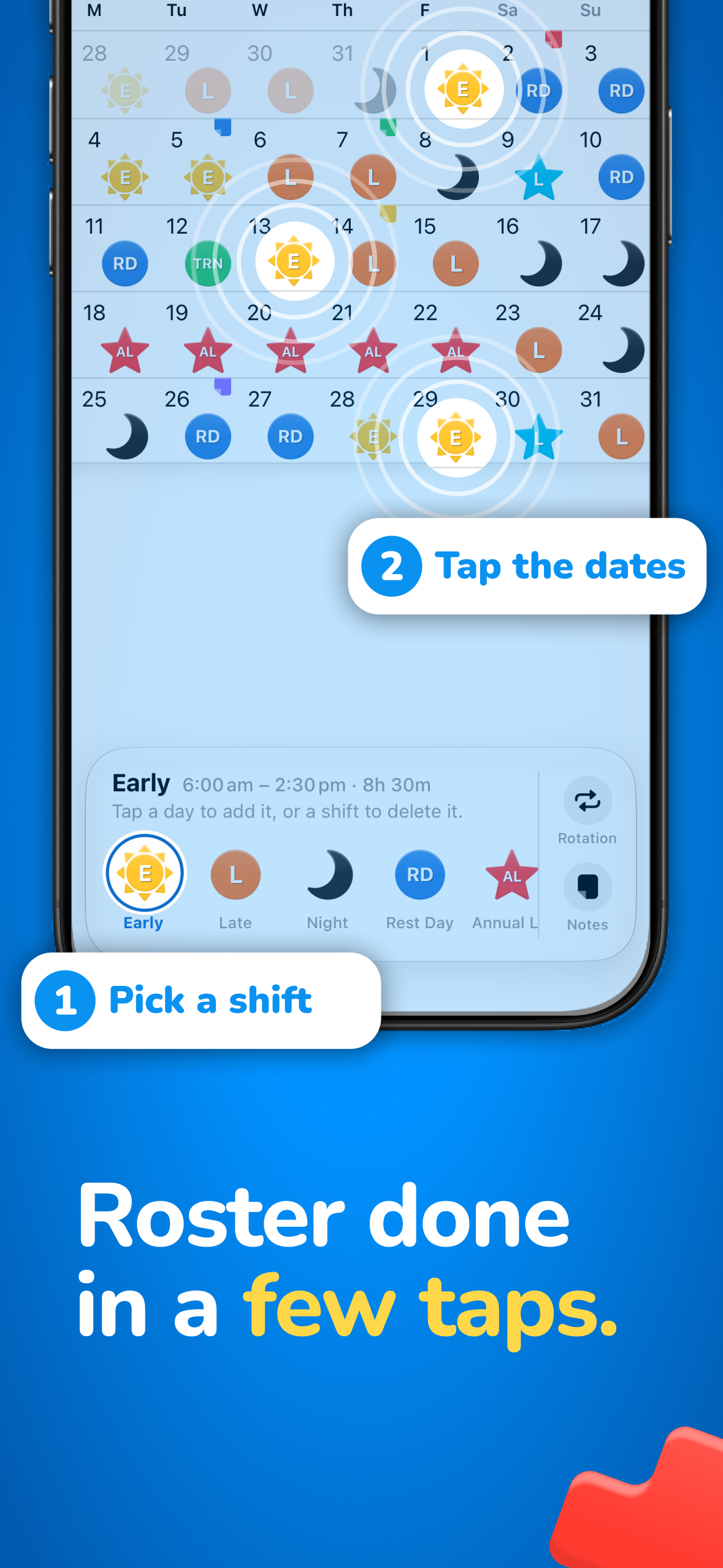
- Pick a shift, then tap the days, to fill a month in seconds
- Rotations that fill up to three years in one tap
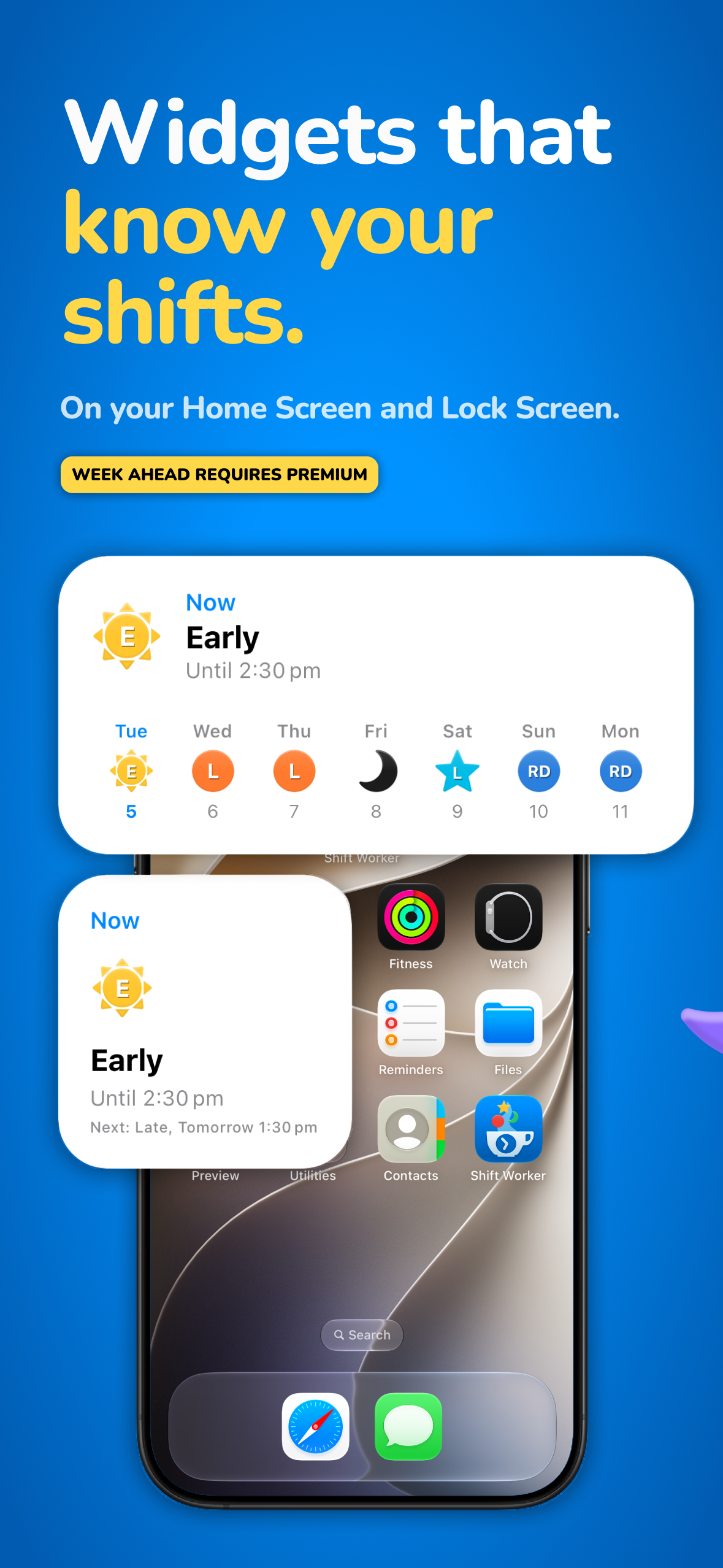
- Home Screen and Lock Screen widgets for your current and next shift
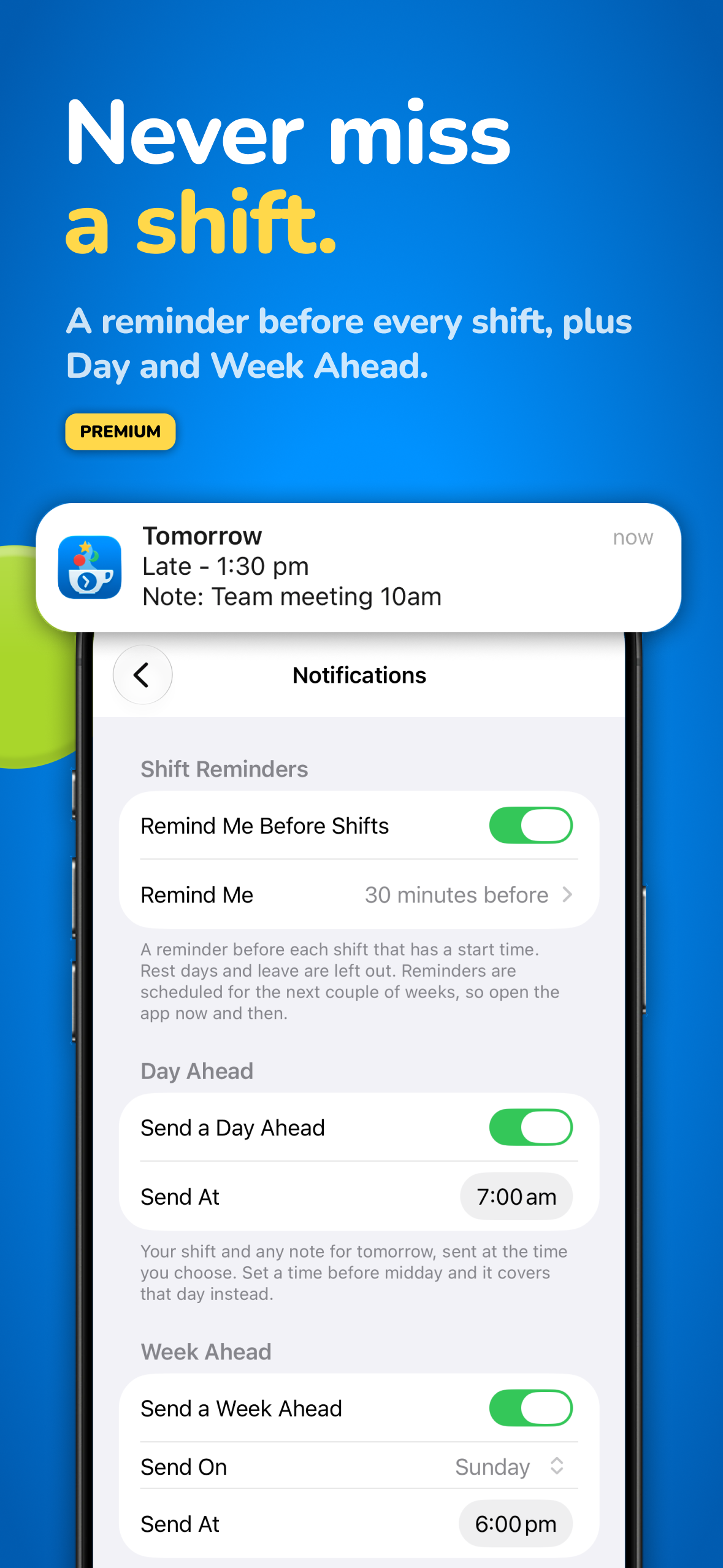
- Reminders before every shift, plus Day Ahead and Week Ahead summaries (Premium)
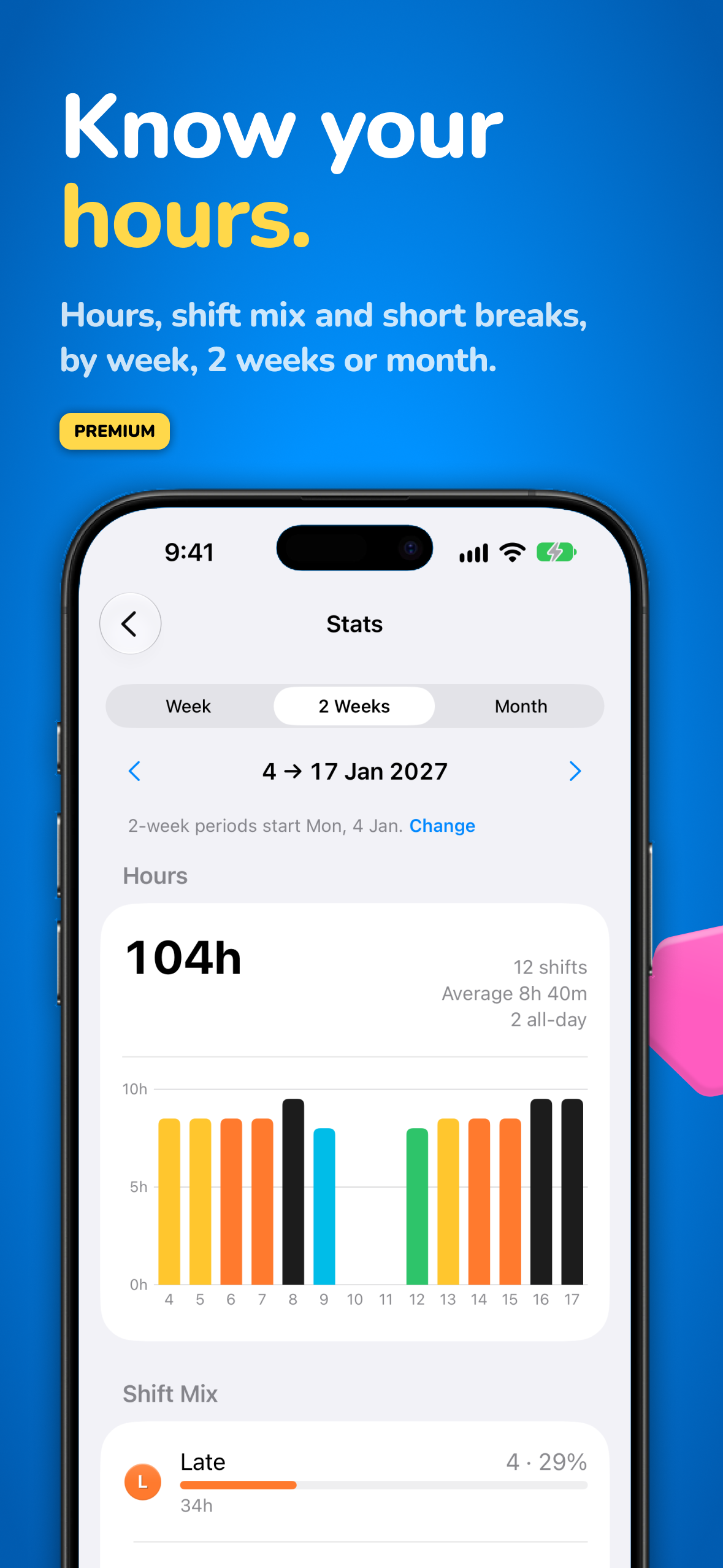
- Stats for hours, shift mix and breaks between shifts (Premium)
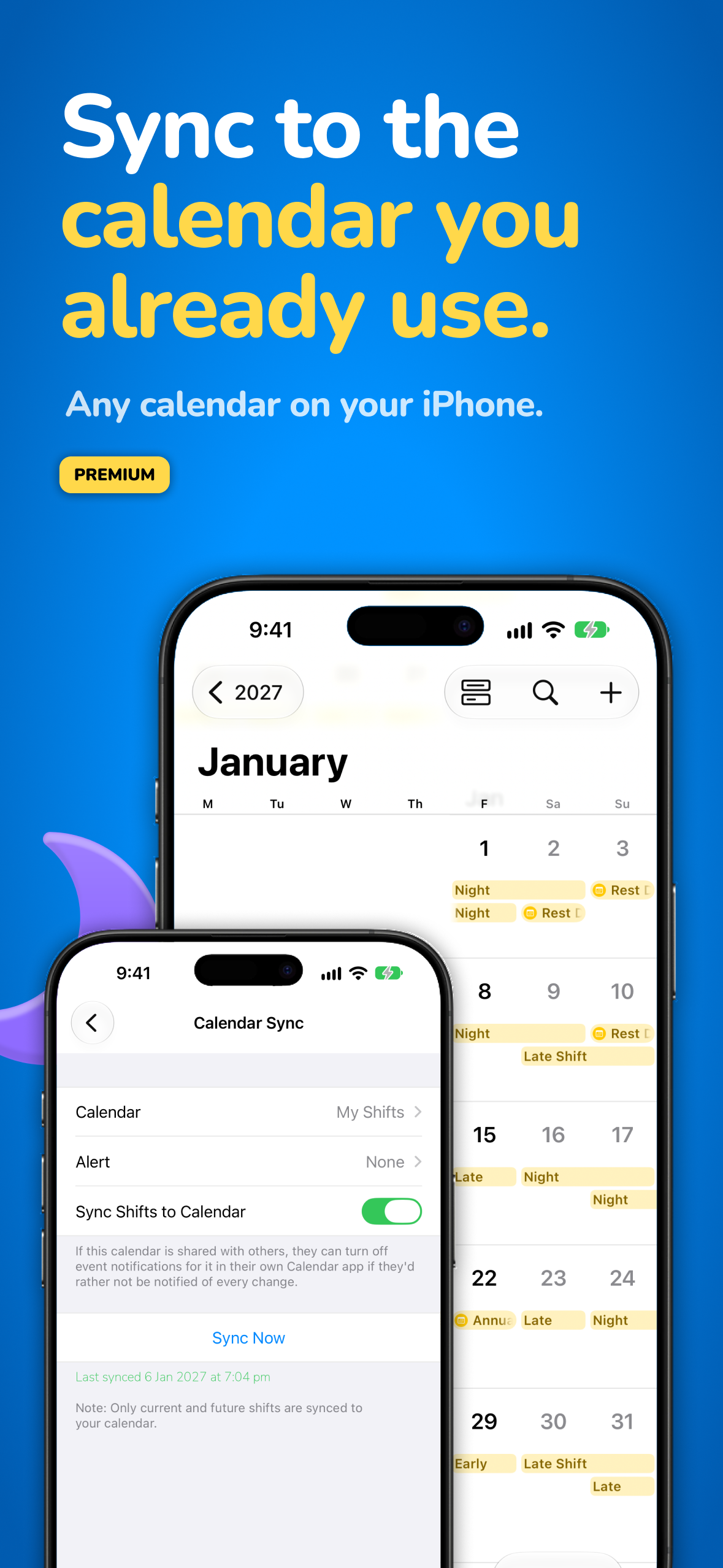
- Calendar Sync to the calendar you already use (Premium)
- The Classic Calendar is still there for anyone who prefers it
Descriptions you can copy
One line
Shift Worker is the iPhone calendar built for shift work: see every shift at a glance and fill in a roster in seconds.
About 50 words
Shift Worker turns your roster into a clear, colourful calendar. Pick a shift and tap the days, or apply a rotation to fill up to three years in one go. It is built for nurses, paramedics, police, security, hospitality and factory staff, with a night-shift timeline, widgets, reminders and calendar sync.
App icon and logo
Icon (1024 and 512 px, with dark and tinted versions), the white logo, the cup logo and the logo on blue are all in the full kit. Use the white logo on the Shift Worker blue or any dark solid colour. Please do not stretch, recolour or add effects to the logo.
Screenshots
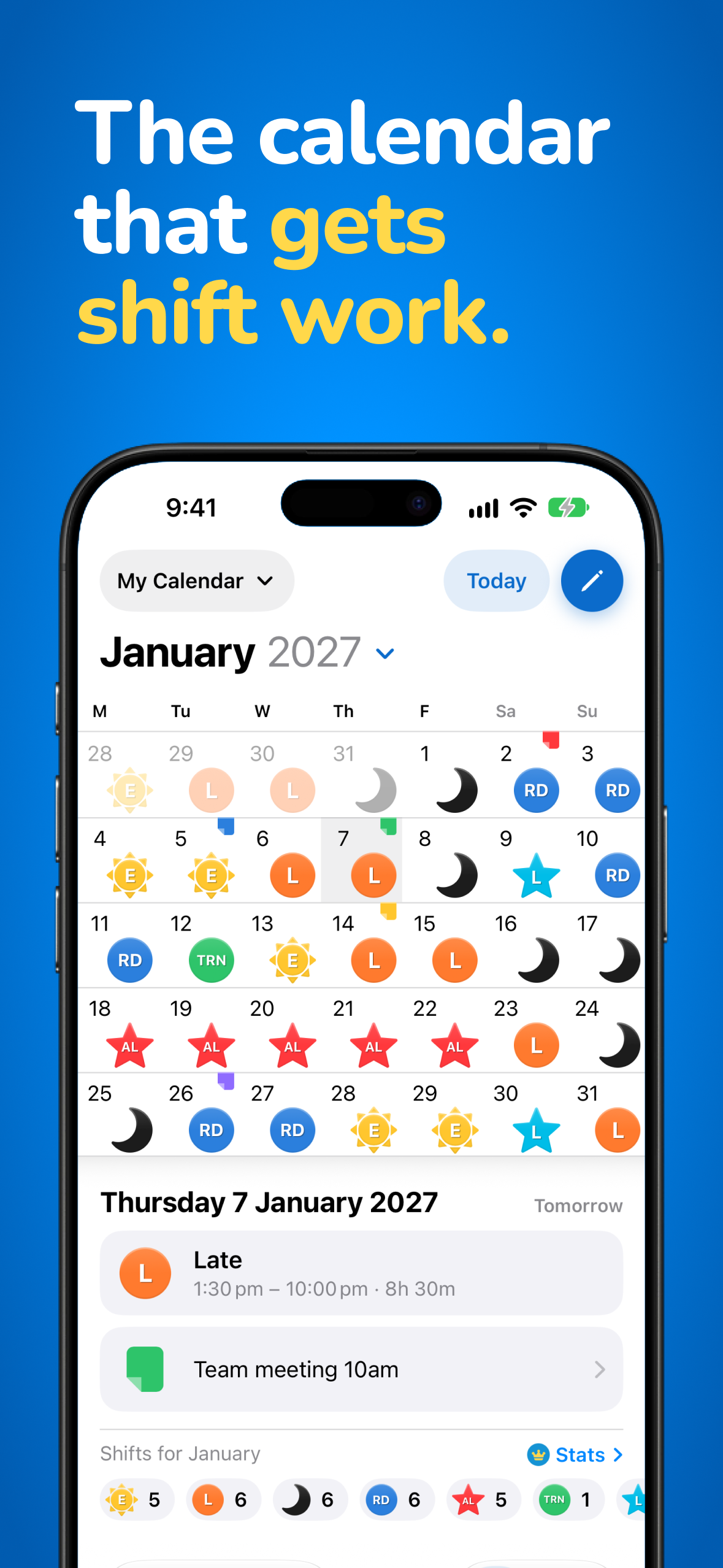
All ten App Store slides are below, and click one to download it. The full kit also has eight plain screens (example data) without the headlines.
App preview video
The 2.0 app preview (mp4). Click to download.
Brand colours
Typeface: Nunito (SHIFT in ExtraBold, WORKER in Regular with wide tracking).
Contact
Mark Schumann, Production Shed Pty Ltd
developer@shiftworkerapp.com

Apple, the Apple logo and App Store are trademarks of Apple Inc. Screenshots show Shift Worker 2.0 with example data.